





Once you’ve wrapped up a project—whether it’s a client presentation, a legal contract, or a creative portfolio—the last thing you want is someone copying or misusing it. That’s exactly where PDF watermarking comes in. It lets you embed visible or invisible ownership marks straight into the file before sharing.
Still, picking the right tool isn’t always straightforward. Different solutions vary a lot when it comes to speed, security, offline capabilities, and how well they support automation. Make the wrong choice, and you could end up wasting time, facing surprise costs, or getting weaker protection than you expected.
What really sets these platforms apart are things like deployment flexibility, transparent pricing, API support, and the type of users they’re designed for.
What PDF Watermarking Tools Are Used For
PDF watermarking tools add visible text, logos, or patterns to documents. This establishes ownership, discourages copying, or marks confidential information.
You’ll generally find three main categories:
- Browser-based tools, which are perfect for fast, no-install jobs
- Desktop apps, great for offline work and sensitive files
- API services, built for automation at scale
Photographers, content creators, small businesses, and educators make up the biggest user group. They usually look for reliable batch processing, reusable templates, and support for different file formats.
Larger enterprise teams have extra requirements. They focus on compliance features like audit trails, role permissions, and system integrations.
One debate continues to divide users: browser convenience versus local privacy. Cloud tools win for easy multi-device access, while desktop options appeal more to regulated industries that prioritize data control.
PDF Watermarking Tools Worth Using in 2026
The reality is that different watermarking tools serve different needs. One may process files faster than the rest, while another emphasizes strong privacy controls. A few also bring enterprise-level collaboration tools to the table.
These four options stand out for 2026. They’ve been evaluated through practical, real-world scenarios to help match the right tool to specific workflows.
Watermarkly — Fast Batch Processing with Multi-Format Support
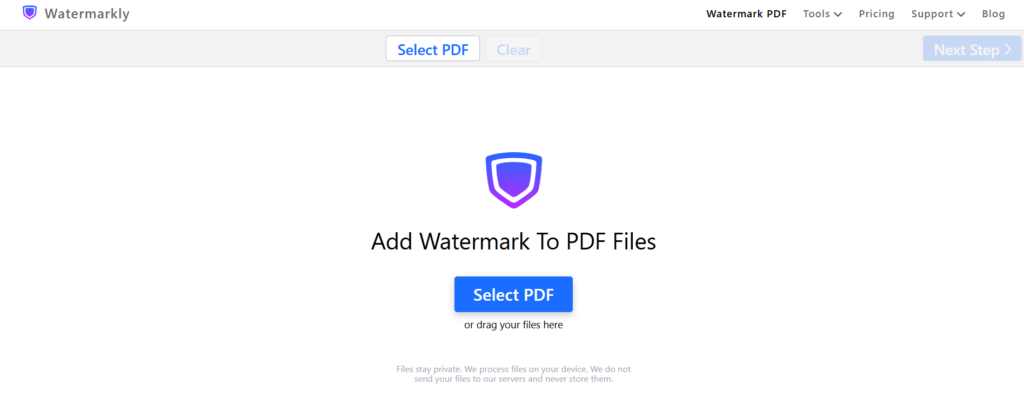
Watermarkly really shines for people who watermark images, videos, and PDFs often and want to avoid the headache of using several different programs. Everything stays in one convenient browser-based platform.
On top of watermarking, you can resize, compress, crop, and blur faces with ease. Since it launched in 2016, the team has kept things user-friendly, focusing on smooth workflows and speedy batch processing that don’t demand technical know-how.
You’ll see it used by a wide range of professionals – photographers, content creators, small business owners, artists, educators, bloggers, designers, and real estate agents – all of whom value consistent branding no matter what type of file they’re working with.
Core capabilities:
| Feature | Details |
| Batch processing | Upload and watermark multiple files simultaneously |
| Format support | Images, videos, PDFs |
| Offline option | Available via desktop app (no cloud upload required) |
| Pricing | $19.95/year or $39.95 one-time for permanent access |
You can use Watermarkly in a browser or as a desktop app. The desktop version processes everything on your own computer, which matters if you handle confidential client work. The tool works in 20 languages on both web and mobile.
Beyond watermarking, it offers photo resizing, compression, cropping, and face blurring. Real estate agents and educators may find these particularly useful.
APITemplate.io — Developer-Grade Automation for High-Volume Workflows
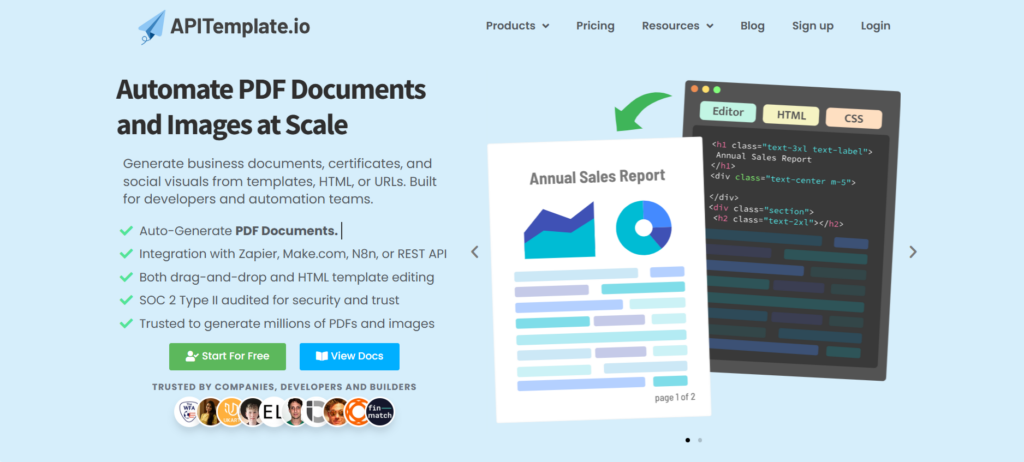
Development teams working on automated document workflows often run into the same headache: too much manual effort around invoices, certificates, and reports. APITemplate.io helps remove that bottleneck.
The service offers straightforward APIs for generating PDFs and images at scale using templates, HTML, or URLs. It’s built for developers and automation teams that need to create business documents, certificates, and social visuals on demand.
Platform strengths:
- Dual API offering — PDF and Image generation APIs in one platform
- Visual editors — Drag-and-drop template builders requiring no coding
- Integration ecosystem — REST API, Zapier, Integromat, N8n, Airtable
- Free tier — 50 images/PDFs per month, 3 templates for testing
Pricing starts at $19/month for 3,000 PDFs. Enterprise customers with higher volume get custom pricing, dedicated support, and tailored SLAs. The platform includes HTML editing, custom CSS, and async webhooks for full formatting control.
pdfFiller — Enterprise Collaboration with eSignature Integration
pdfFiller is a solid cloud-based tool for managing PDFs. It combines editing, watermarking, electronic signatures, file conversion, and team collaboration features all under one roof.
Since it launched in 2008, the platform has focused on supporting enterprise teams with demanding document workflows — think HR onboarding, contract handling, and compliance reports.
When your needs extend past simple watermarking to full editing, signing, and real collaboration, pdfFiller really shines. It pulls all those functions together so you don’t have to juggle different apps.
Pros/Cons:
| Strengths | Limitations |
| Edit, create, replace text, add fields, watermark | Premium features locked behind higher tiers |
| Integrations, browser extensions, API access | Steeper learning curve for casual users |
| OCR functionality for scanned documents |
Watermarking works smoothly within the larger editing suite. You can adjust size, orientation, color, and transparency while keeping full document integrity. The tool also lets you create PDFs from scratch, replace text, add form fields, insert images, or erase content.
Overall, pdfFiller is a solid choice for organizations that want one reliable platform instead of juggling multiple tools.
Smallpdf — Simplicity-First UX for Non-Technical Users
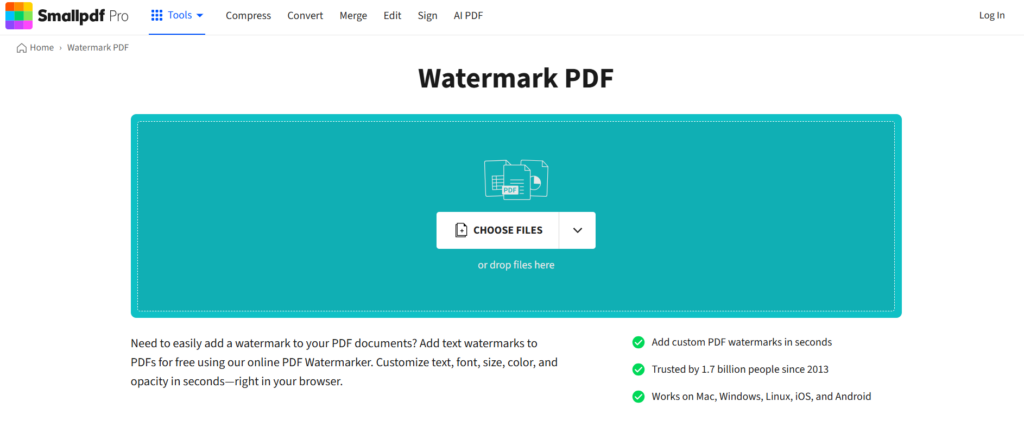
Smallpdf works really well if you only watermark PDFs occasionally and prefer something simple over complex software. It combines 30+ tools in one easy-to-use platform.
Since launching in 2013, it has helped over a billion users by focusing on accessibility. Whether you need to merge, convert, compress, sign, or edit PDFs, everything stays straightforward.
Key features include:
- Merge PDF, JPG to PDF, Sign PDF, and Edit PDF
- Compress PDF plus conversions to Word, Excel, and PowerPoint
- Direct integrations with Google Drive, Dropbox, and Google Workspace
- Free tier with limited daily use
Watermarking is particularly smooth. Upload your document, customize the text or logo position, and you’re done — all in your browser. The free plan lets you test the waters, and you can cancel the 7-day trial anytime without being charged.
Key Factors When Comparing PDF Watermark Tools
When comparing PDF watermark tools, think about your actual workflow first:
- Deployment Model: Browser-based is easy and multi-device friendly, but requires an internet connection. Desktop apps let you work offline with stronger privacy. APIs are ideal for automation.
- Batch Features: How many files can it handle? Does it support folder uploads, templates, and fast processing?
- Pricing Clarity: Published prices are better for individuals and small teams. “Contact sales” is usually for bigger custom deals.
- File Support: Some tools only do PDFs. Others handle images, videos, and PDFs in one place.
- Track Record & Security: Older tools tend to be more reliable. Always check for GDPR, encryption, and relevant certifications if privacy matters.
Conclusion
Watermarking your documents doesn’t have to be complicated. It works best when you pick a tool that fits your workflow. Occasional needs can be covered by free browser-based options. High-volume work benefits from batch tools. For sensitive files, local processing is usually safer. And if you need automation, look for strong API support.
Always test the free version first. Pay close attention to data privacy, batch limits, and actual costs. Remember, watermarks help stop casual misuse but won’t block dedicated thieves. Choose carefully and share your files.